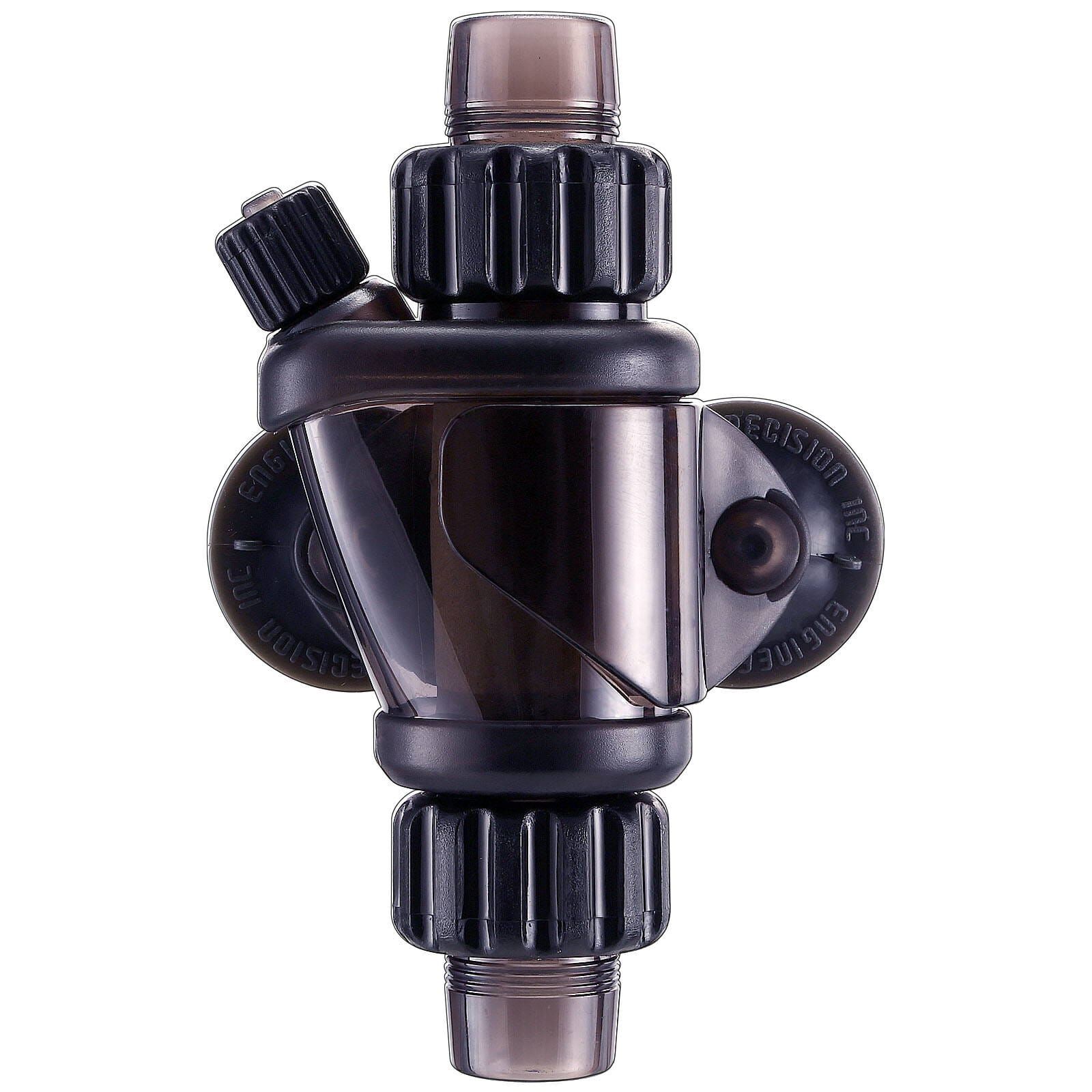
Changing the needle valve pressure on the Dennerle pressure reducer

By Aram Schneider Published Updated
Translated from German with AI assistance and reviewed by our editors.
If you want to operate an Inline Atomizer or another dosing device with a Dennerle pressure reducer, certain difficulties can arise, because a minimum working pressure or a certain bubble rate has to be present for the diffuser to operate correctly. Other products such as bubble counters or check valves can sometimes bring such a requirement with them as well. On the Dennerle pressure reducers, certain adjustment options are somewhat hidden. Here we show you how to increase the pressure so that a combination with, for example, Inline Atomizers is also possible.
The Dennerle Quantum pressure reducers (discontinued product) and the CarboStart pressure reducer are characterized by their very simple handling. As a result, you can apparently control the gas pressure with just one adjustment knob. If you want to operate products like the Inline Diffuser from UP Aqua with these pressure reducers, correct operation of the diffuser may not be possible with these presets, because according to the instructions, these pressure reducers have a fixed bubble rate of approx. 120 bubbles per minute with the adjustment knob fully turned up.
Note: With the successor model of the Quantum, the CarboPower pressure reducer, this procedure is no longer necessary thanks to a product improvement. The new CarboPower pressure reducers now have a fine needle valve adjustable with a dial.
To change the setting on the old Quantum and EasyStart pressure reducers, it is worth taking a look at the operating instructions. Under item "5.4" or "7.6 Cleaning and recalibrating the needle valve", it is described exactly how to clean the factory-calibrated needle valve and also how to set it differently. The valve is just a rather inconspicuous screw located in the tubing connection of the pressure reducer. With the help of a fine screwdriver (blade size 2 – 2.5 x 0.5 mm), the screw can be turned (see picture).
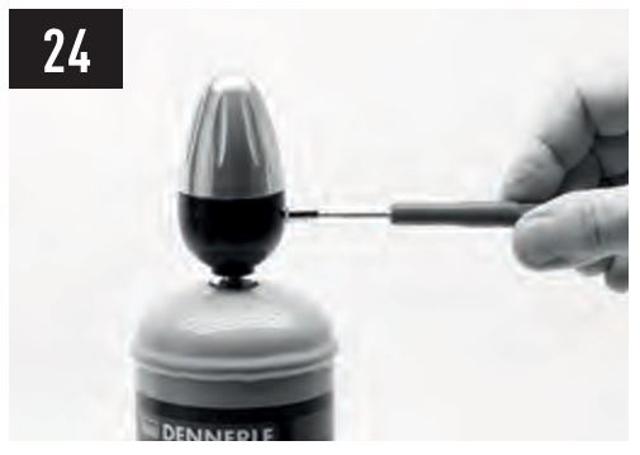
Image source: Instructions for the Dennerle EasyStart pressure reducer.
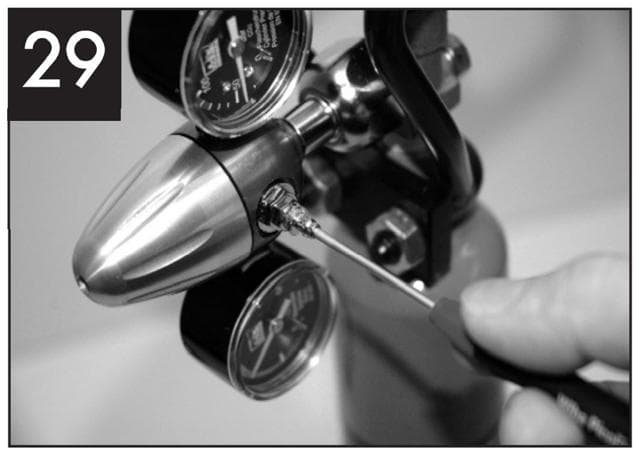
Image source: Instructions for the old Dennerle Quantum pressure reducer.
The setting can be changed by carefully turning the screw in or out. Only proceed step by step, with roughly a 1/8 turn at a time. Since the gas introduced into the aquarium always reacts with a slight delay, you should first wait a few minutes to hours until the change becomes visible. If the desired bubble rate has not yet been reached, you can turn the screw a little further again. Note: the valve should also not be unscrewed completely.
Source: Instructions for the Dennerle CarboStart pressure reducer